How to Choose the Right CRM for a Growing Indian Business
Automate Business Team
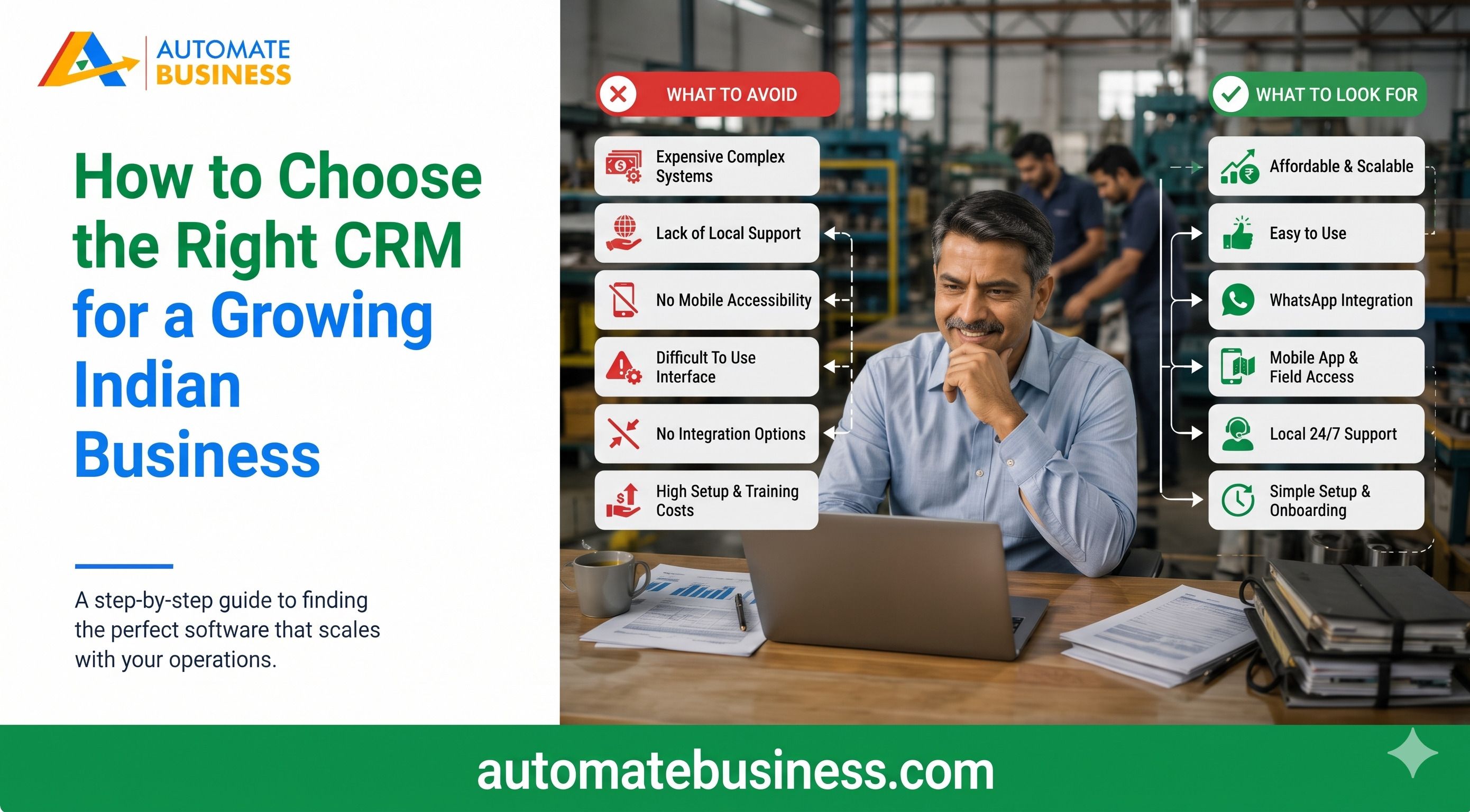
The right CRM for a growing Indian business captures leads automatically, reminds your team to follow up, and stays affordable as you add people. Automate CRM Software is built around these needs. It offers unlimited users on every plan, IndiaMART and Facebook lead capture, quotations, Razorpay payment links and AI tools.
This guide gives you eight practical checks to use before you buy. It covers pricing models, lead sources, automation, payments, AI, capacity and trials. By the end, you will know which plan fits your stage of growth.
Why Growing Indian Businesses Outgrow Excel and WhatsApp
Most MSMEs start by tracking leads in spreadsheets and chat groups. This works for ten enquiries a week. It breaks at a hundred.
Leads get copied by hand from portals, and follow-ups live in notebooks. Managers keep asking for updates, and notes sit across five apps. Deals slip away without anyone noticing.
A CRM fixes this by keeping every enquiry, note, task and payment in one place. Automate CRM users report saving 2+ hours a day on admin work. Case studies on the Automate Business site also show 1.5x to 1.6x revenue growth with CRM-led sales discipline.
Step 1: Map Your Sales Process and Lead Sources Start with how you actually sell. Write down where leads come from, who handles them and what stages a deal passes through. Include marketplaces, ads, referrals, your website and walk-ins. A manufacturer or trader may get most leads from IndiaMART or TradeIndia. A real estate firm tracks property enquiries, site visits and bookings. An education business moves enquiries into admission pipelines. Your CRM should match your stages, not force a generic flow. Look for multiple pipelines with custom stages and custom fields. Automate CRM software supports separate pipelines for each product line.
Step 2: Compare Pricing Models Before You Compare Features CRM pricing in India usually follows one of two models. Some tools charge per user per month. Others charge one price for the whole workspace. Per-user pricing looks cheap for a team of three. It becomes expensive when you add reps, interns and managers. Many businesses then limit access to save money, which defeats the purpose of a CRM. Automate CRM software charges a fixed workspace price with unlimited users. Starter is $50 a month, billed yearly at $599. Growth AI is $119 a month, and Scale Max is $203 a month. Enterprise starts at $323 a month and is arranged with sales. All prices exclude GST, and 18% GST applies to India (INR) prices at checkout. AI credits and connected services such as WhatsApp, calling and payment providers may cost extra.
Step 3: Check Lead Capture and IndiaMART CRM Integration Good lead management software should capture enquiries without manual copying. This is where many Indian businesses lose revenue. Slow follow-up on portal leads often means a lost sale. Automate CRM’s software Growth AI plan connects IndiaMART and Facebook Lead Forms. You pick the destination pipeline and map supported fields. Scale Max adds TradeIndia, API access and outbound webhooks. You can also import existing leads, contacts and products from CSV. The tool lets you map columns and preview records before importing. All plans include data export, so you are never locked in. One customer, CEO Akhil Singh, said his team lost 30% of IndiaMART leads to manual follow-ups. After switching to Automate CRM, his lead-to-deal conversion rose by 45% in three months. Results vary, but fast capture clearly matters.
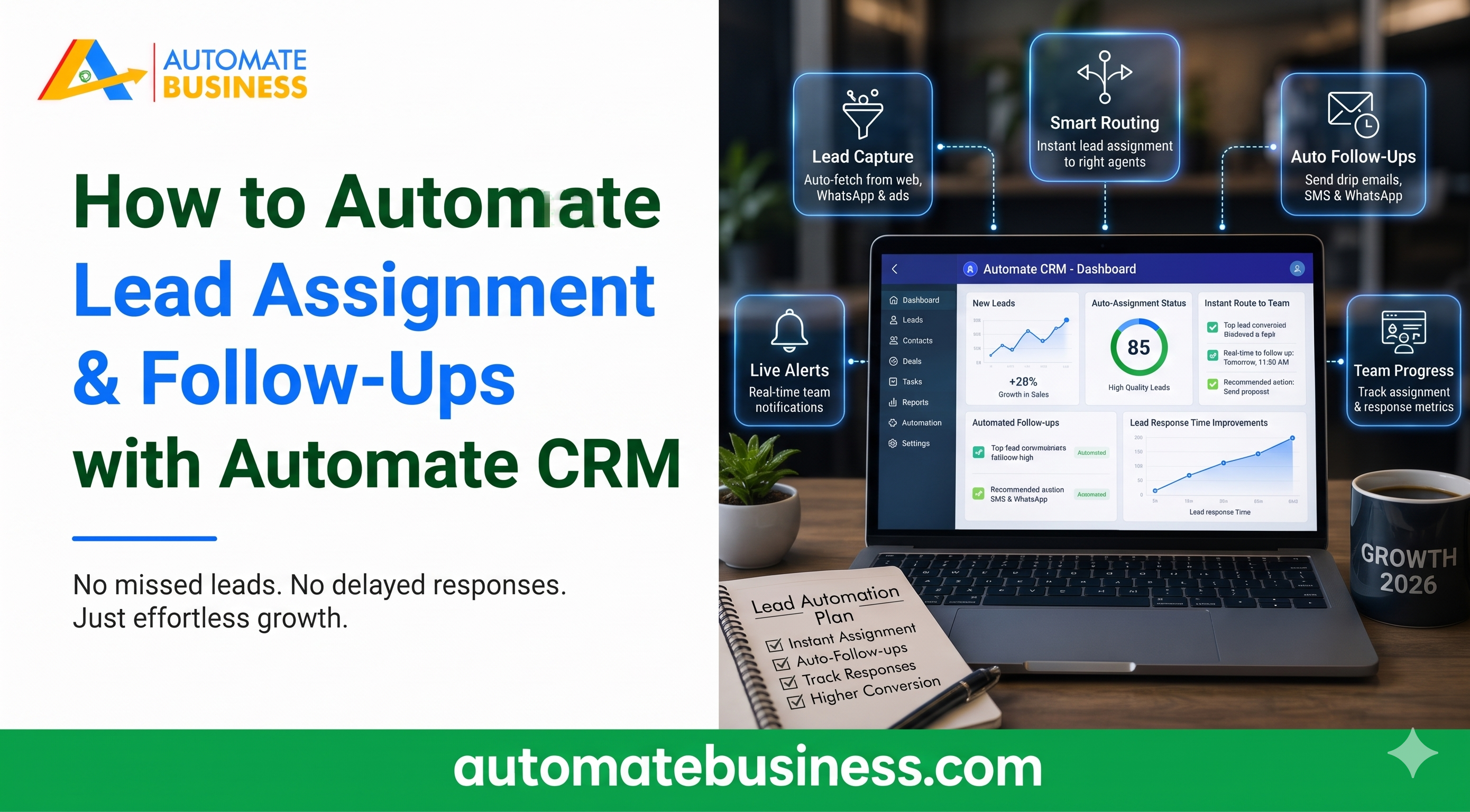
Step 4: Look for Follow-Up and WhatsApp CRM Automation Missed follow-ups are the quietest revenue leak in any sales team. Your CRM should remind reps and, ideally, act on their behalf. Look for scheduled reminders, filters and stage-based triggers. Automate CRM software schedules, filters and reminds follow-ups automatically. On Growth AI and Scale Max, a stage change can create tasks and follow-ups. It can also send WhatsApp or email templates. For WhatsApp CRM automation, you can connect WhatsApp Business or Automate Chats. For email, you can connect Gmail, Outlook, Zoho Mail or SMTP. Messaging needs a configured provider, and provider charges apply.
Step 5: Keep Quotations and Payments Inside the CRM Many teams lose track of deals at the closing stage. Quotes are made in Word, sent on WhatsApp and chased separately. Reports then show an incomplete picture. Automate CRM software keeps this in one workflow. On Growth AI and Scale Max, you can prepare quotations with products, charges and payment terms. You can export PDFs and create Razor pay payment links. A confirmed payment can move the lead to Won automatically. Managers then see collections next to pipeline value. This is especially useful for traders, manufacturers and service businesses that quote often.
Step 6: Ask What AI Actually Does for Your Sales Team Many CRM vendors advertise AI without explaining its use. Ask for specific tasks it handles. Good sales automation software should save time every day. Automate CRM’s software AI tools summarize lead activity, draft emails and build pipeline templates. A CRM assistant supports reps during the sales day. Growth AI includes Bolna AI calling, and Scale Max adds Sarvam AI. Scale Max also supports Exotel and Voxbay calling with call logs. Access depends on permissions, credits and provider setup. Always confirm what is included and what costs extra.
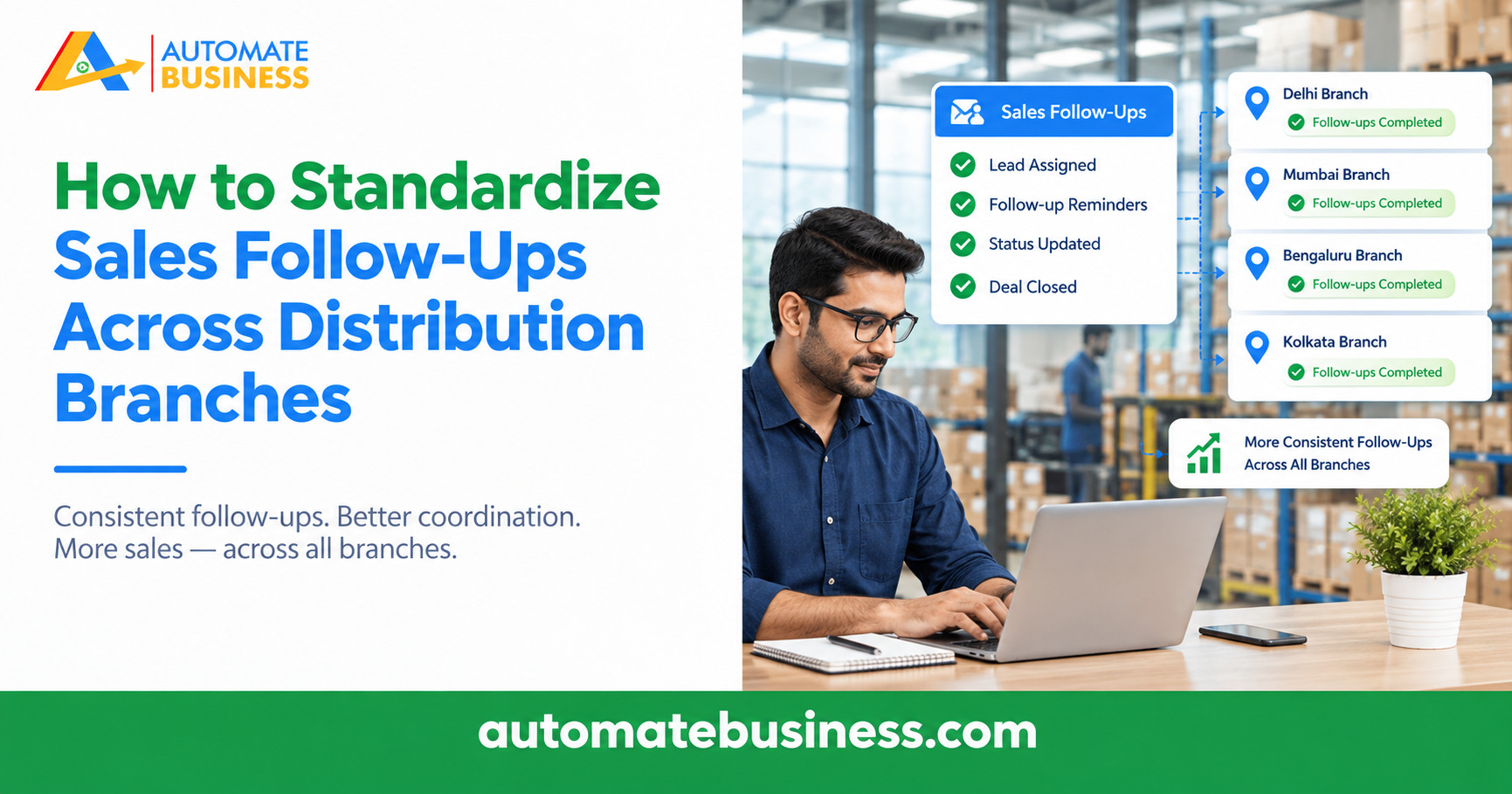
Step 7: Check Capacity, Permissions and Reporting Pick a CRM that will still work when your business doubles. Capacity limits on pipelines, leads and contacts matter. So do roles and permissions. Starter includes 3 pipelines, 5,000 leads and 5,000 contacts. Growth AI offers 10 pipelines and 100,000 leads and contacts. Scale Max goes up to 100 pipelines and 1,000,000 leads and contacts. Growth AI adds advanced roles, custom branding and priority support. Scale Max adds custom reports. For branch-led teams, role-based access keeps records private where needed. Reporting should answer simple questions quickly. Automate CRM shows pipeline value, follow-ups and collections by owner, pipeline and date. Owners get one clear view without chasing updates.
Step 8: Test Before You Commit Never buy a CRM from a brochure alone. Run a real trial with real leads. Ask your sales reps to use it for a week. New Automate CRM workspaces get a 7-day trial without a credit card. After the trial, a paid plan is required to create, edit or delete records. You can also book a demo to map your lead sources, pipelines and permissions. Check how easily field teams can use it on mobile. Reps should be able to update leads, notes and next actions while travelling. If the team will not use it, the best features do not matter.
Which Plan Fits Your Stage of Growth?
Starter suits small teams organising enquiries and follow-ups. It is available with yearly billing only. It does not include quotations or automation.
Growth AI suits most growing businesses. It adds quotations, Razorpay links, WhatsApp and email automation, IndiaMART, Facebook Lead Forms and AI tools.
Scale Max suits larger teams with high lead volume. It adds API access, webhooks, TradeIndia, calling and custom reports.
Enterprise is for needs beyond Scale Max. Confirm capacity and terms with sales.
Frequently Asked Questions
What is the best CRM for a growing Indian business? The best CRM matches your lead sources, team size and budget. Automate CRM Software suits growing MSMEs because it offers unlimited users, IndiaMART integration and payment links.
How much does a CRM cost in India? Prices vary by model and plan. Automate CRM plans range from $50 a month for Starter to $203 a month for Scale Max, excluding 18% GST on INR prices.
Does Automate CRM charge per user? No. Every plan has a fixed workspace price with unlimited users.
Can I connect IndiaMART to Automate CRM? Yes. IndiaMART and Facebook Lead Forms are included on Growth AI and Scale Max. TradeIndia starts on Scale Max.
Can I switch plans later? Yes. You can change plans from your account’s billing settings. Starter is yearly only, while Growth AI and Scale Max offer monthly, quarterly and yearly billing.
Final Thoughts
Choosing the right CRM comes down to fit, not hype. Match it to your lead sources, check the pricing model, and test it with your real team. Make sure it grows with you. If you want a CRM built for Indian MSMEs, explore Automate CRM Software. Book a demo to see how your pipelines, follow-ups and payments can work together.