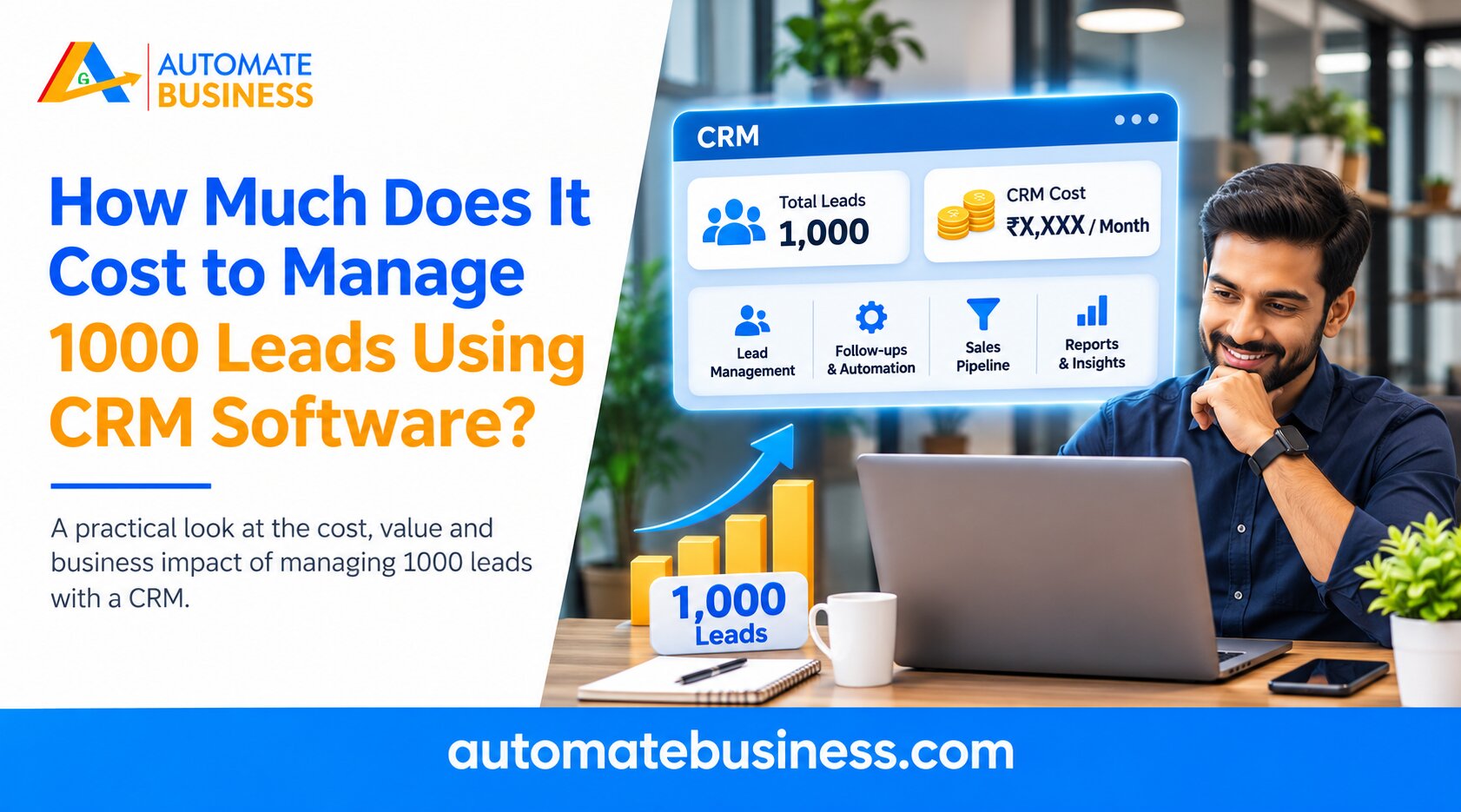
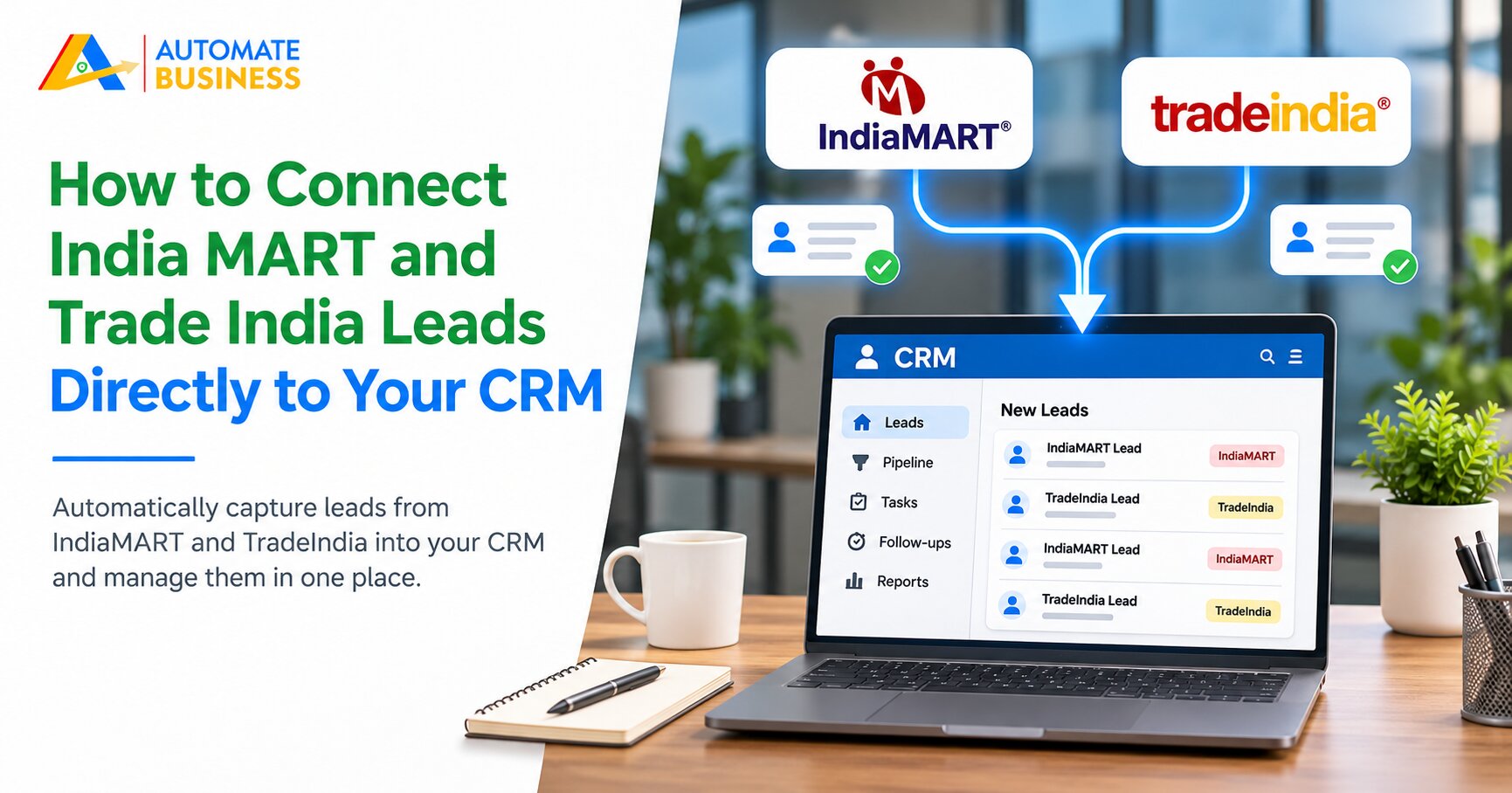
How to Connect IndiaMART and TradeIndia Leads Directly to Your CRM
Learn how to connect India MART and Trade India leads to your CRM with Automate CRM. Capture B2B enquiries automatically and follow up faster.
Join the Business AI Summit 2027
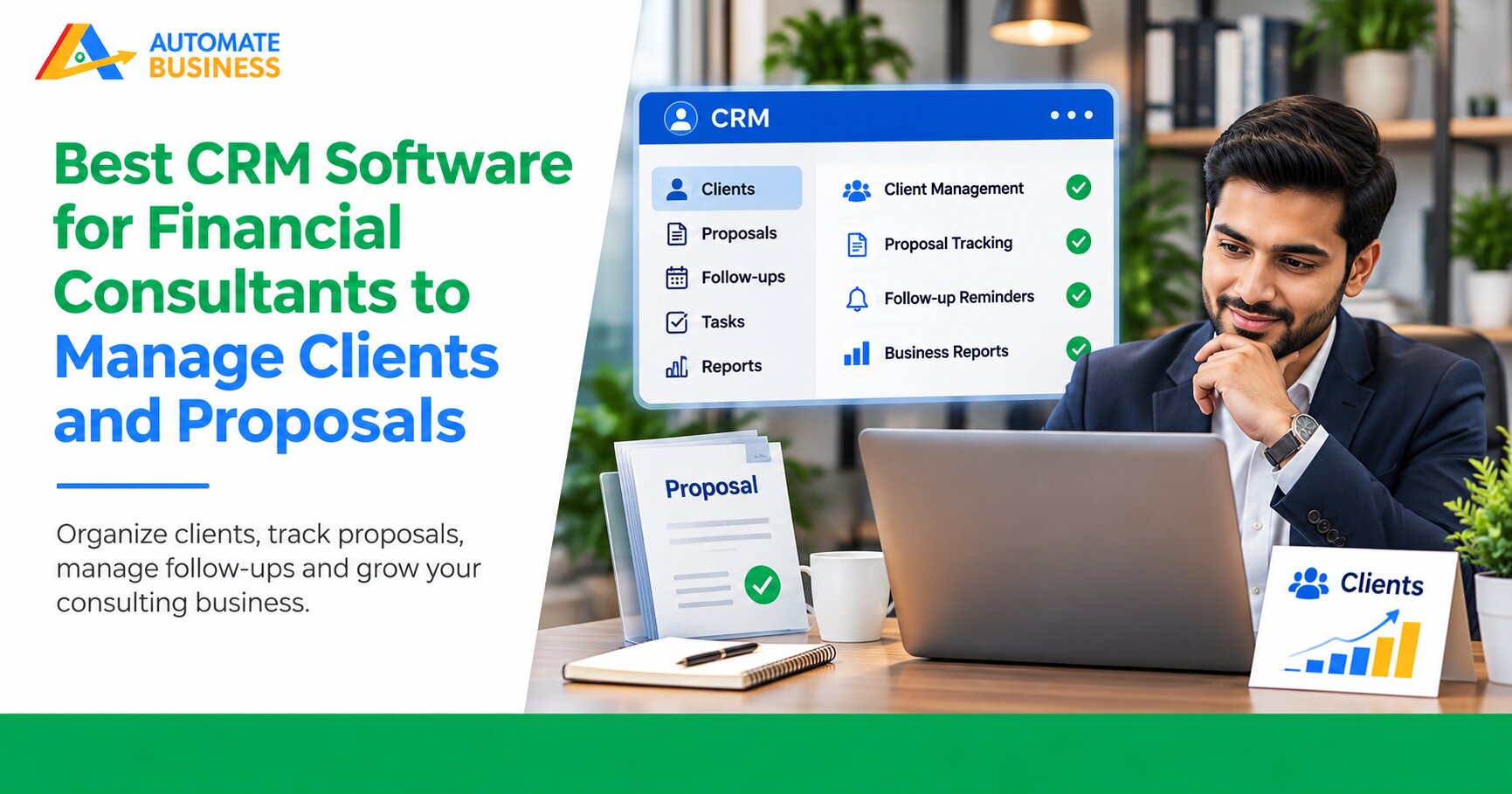
The best CRM software for financial consultants keeps client history, follow-ups and proposals in one place. Automate CRM Software does this with custom pipelines, reminders, quotations and AI summaries built for relationship-led work. It also gives your whole team access, so nobody works from a private spreadsheet.
This guide explains what financial consultants need from a CRM and how Automate CRM handles client management. You will also see how it supports proposals and payments, which features save the most time, and how to get started.
What Financial Consultants Really Need From a CRM
Your business runs on trust and timing. A prospect may take weeks to decide, and a client may need a call at the right moment. Missing one follow-up can cost you a long-term relationship.
Most consultants start with Excel sheets, phone contacts and WhatsApp chats. That works for 20 clients, but it breaks at 200. Notes get lost and documents sit in different places.
A good CRM for financial consultants fixes three problems. It gives you a clear client record, a reliable reminder system and a fast way to send proposals. Everything else is a bonus.
Keep Every Client Record in One Place
Client management software should tell you the full story in seconds. Automate CRM stores leads, contacts, companies and products together. You can add custom fields, tags and owners to match how you work.
For a financial consultant, custom fields are very useful. You might track a client's investment goal, service type, source of referral or review date. Tags help you group clients, such as tax planning, loan advisory or business consulting.
Every enquiry has a timeline with notes, messages, attachments, tasks and follow-up history. When a client calls, you open the record and see exactly where you left off. You can switch between list and Kanban views, depending on how you like to work.
Build a Pipeline Around Your Advisory Process
Every consultant has a process, from the first call to the signed engagement. Automate CRM lets you build pipelines with custom stages and role-based access. A simple flow could be New Enquiry, Discovery Call, Documents Awaited, Proposal Sent and Won.
You can run more than one pipeline. One may cover tax and compliance clients, while another covers loan advisory or wealth planning. Each pipeline can have its own stages and fields.
This is how the platform serves finance and consulting firms. It supports consult calls, document follow-ups and relationship-led pipelines, with clear ownership and reminders. Managers can see the value of open opportunities at each stage.
Never Miss a Client Follow-Up Again
Follow-up is where most advisory deals are won or lost. A prospect who said "send me details" needs a nudge within days. A client who has not heard from you in months may drift away.
Automate CRM Software schedules follow-ups, then filters and reminds you about them. Your dashboard shows what is due today, so nobody chases updates in chat groups. Reps can also update leads, notes and next actions from a mobile phone while travelling to a client meeting.
On Growth AI and Scale Max, you can automate the next step. When a lead moves to a new stage, the CRM can create a task, schedule a follow-up, or send a WhatsApp or email template. Messaging needs a configured provider, such as WhatsApp Business or Automate Chats. For email, you can connect Gmail, Outlook, Zoho Mail or SMTP.
Create and Send Proposals Faster
Proposal management is where many consultants lose hours. You write a quote in Word, save a PDF, attach it to an email and then try to remember when you sent it. Then you wait for a reply with no way to see what happened.
On Growth AI and Scale Max, Automate CRM lets you prepare quotations with products, charges and payment terms. You can export a PDF in minutes. Your service list lives in the product catalog, so every proposal stays consistent.
The pipeline also shows when a quotation has been viewed. That tells you the right moment to call. A short, timely follow-up after a viewed proposal often beats a long email sent blindly.
Collect Fees Without Chasing
Closing the deal is only half the job. Collecting the fee on time is the other half.
Growth AI and Scale Max let you create Razor pay payment links from the CRM. When payment is confirmed through your configured Razor pay account, the lead can move to Won automatically. Your team does not need to check bank statements to update a stage.
Managers can then review pipeline value, follow-ups and collections by owner, pipeline and date. This gives a consultant who runs a team a clear view of who is closing and who needs support. It also removes the awkward "did the client pay?" messages.
Use AI to Save Time During the Day
A busy consultant spends hours on admin. Automate CRM adds AI help where it matters. It can summarise lead activity, draft emails, build pipeline templates and work as a CRM assistant.
Imagine a prospect asks for a detailed advisory proposal. The AI lead summary can remind you what they asked for and suggest the next step. That saves you from rereading a long chain of notes before every call.
Growth AI includes Bolna AI calling, and Scale Max adds Sarvam AI. Access depends on permissions, credits and provider setup. You stay in control, and the AI supports your judgment rather than replacing it.
Control Who Sees What
Client data is sensitive in finance. You may not want every team member to see every record. A junior associate may need access only to the leads assigned to them.
Automate CRM supports role-based access. Starter includes basic roles and permissions, while Growth AI and Scale Max add advanced permissions. Every plan includes data export, so your records remain portable.
You can also use custom branding on Growth AI and Scale Max. That helps your quotations and communication look professional and consistent with your firm.
Capture Leads From Every Source
Financial consultants get enquiries from many places. These include referrals, website forms, social media ads and online portals. Each source needs a clear path into your pipeline.
You can import existing leads, contacts and products from CSV, map columns and preview records before importing. Growth AI connects Facebook Lead Forms and India MART, and the CRM also supports Google Ads lead-form setup. Scale Max adds Trade India, API access and outbound webhooks. Confirm availability for your workspace and complete the provider setup.
Each lead carries its source, so you can see which channel brings serious clients. Referrals may convert best, while ads may bring volume. The data helps you decide where to spend your time.
Who Should Use Automate CRM?
Solo consultants get one organized system without hiring an admin. They can handle follow-ups, proposals and payments from one login. They can also use the 7-day trial to test their own workflow.
Small advisory firms can give every team member access with unlimited users. Owners see team performance and source quality without chasing updates. Managers assign leads, set follow-ups and track stage-wise performance by rep.
Multi-service firms can separate sales processes by service line using custom pipelines and custom fields. The platform also works for education, real estate, IT services and manufacturing teams. Its consulting and finance workflow is a natural fit for relationship-led businesses.
Frequently Asked Questions
Final Thoughts
The best CRM for financial consultants is one your team will use every day. It should hold client history, remind you to follow up and help you send clear proposals. Automate CRM Software brings these together in one workspace. Start with the 7-day trial, or book a demo to map your lead sources, pipelines and follow-up workflows with the team.
Get more insights every week. Join Kewal's free WhatsApp community for live sessions and automation tips.
Join 12,000+ MSMEs who automated their business. Join the 2 day live hackathon today.