10 Signs Your Business Has Outgrown Its Current CRM Software
Automate Business Team
Your business has outgrown its CRM software when the tool slows your team down instead of helping them sell. The clearest signals are missed follow-ups, side spreadsheets, rising per-user costs and reports nobody trusts. Automate CRM Software is built for this stage, with unlimited users, multiple pipelines, sales automation and AI in one workspace. This guide covers 10 signs it is time to upgrade, what a scalable CRM needs, and how to switch safely.
Why Outgrowing Your CRM Is Costly
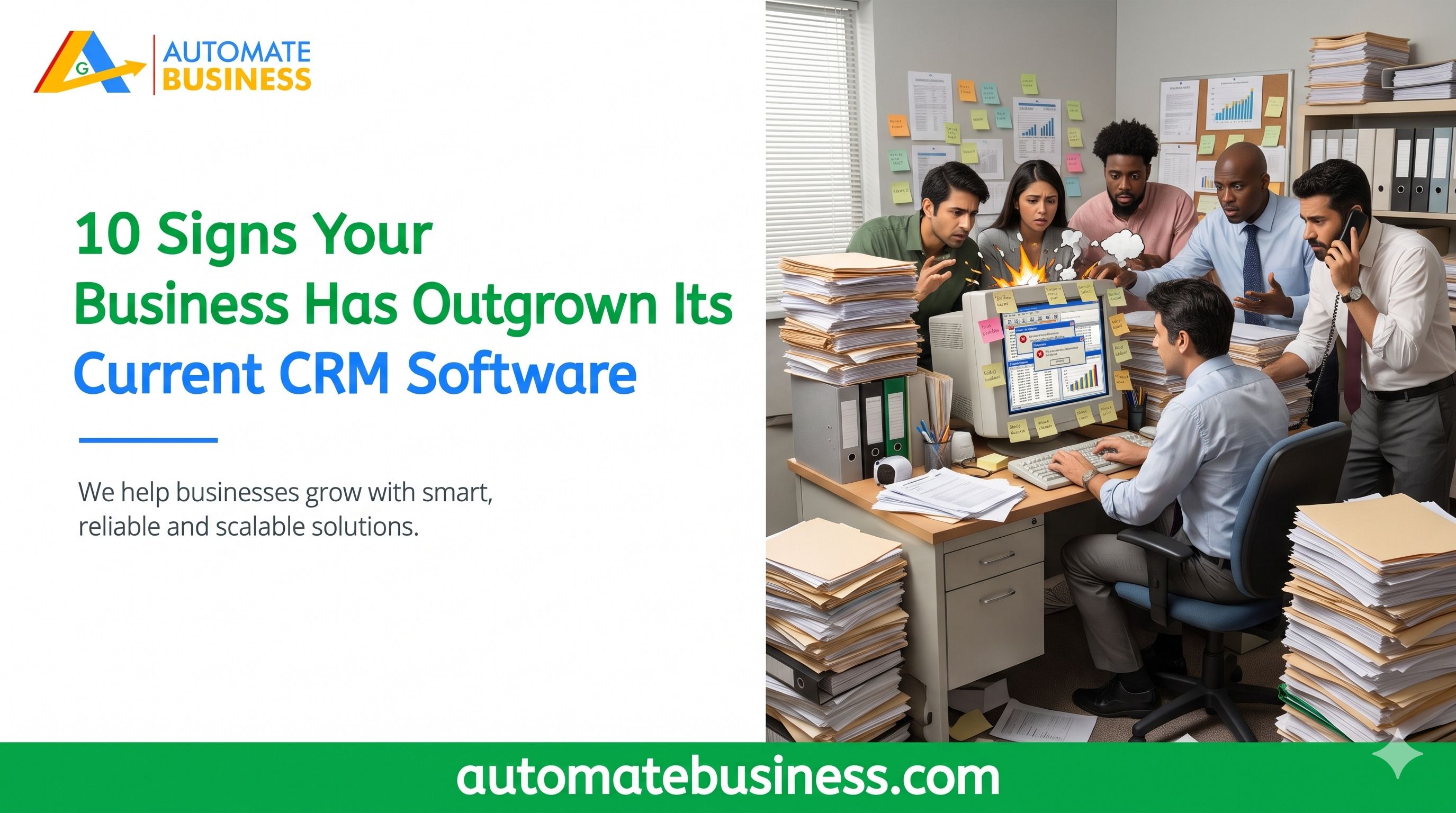
A CRM that no longer fits quietly drains revenue. Leads sit unanswered, quotes go out late and managers work from guesswork. One CEO featured on the Automate CRM page says his team was losing 30% of its India MART leads because follow-ups were manual. After moving to Automate CRM, he reports lead-to-deal conversion rose 45% in three months. Spotting the signs early protects your sales pipeline.
Signs 1–3: Your Lead Management Is Breaking Down
Leads are still copied in by hand. If your team moves enquiries from India MART, Facebook or your website into the CRM manually, you have outgrown it. Manual entry causes delays and typos. A slow reply often means a lost lead. Modern lead management captures enquiries automatically and places them in the right sales pipeline. Automate CRM Software connects India MART and Facebook Lead Forms on Growth AI. Scale Max adds Trade India, API access and outbound webhooks.
Follow-ups live in WhatsApp chats and notebooks. When reminders sit outside the CRM, callbacks get missed. Reps forget, managers chase and customers go cold. A growing business needs follow-up automation that schedules, filters and reminds without anyone chasing.
One pipeline cannot fit every product. Different products, branches and customer types need different stages. Forcing every deal through one flow makes reporting meaningless. Look for multiple pipelines with custom stages and role-based access. That keeps each sales process clean and measurable.
Signs 4–6: Your Sales Process Needs More Than Contact Storag
Quotes and payments happen outside the CRM. If reps build quotes in Word and chase payments by phone, deals stall. A connected CRM prepares quotations, exports PDFs and creates Razor pay payment links. On Growth AI and Scale Max, a confirmed payment can move the lead to Won automatically. Closing then happens inside one workflow.
Sales automation is missing or too basic. If every stage change needs a manual task, your team spends time on admin instead of selling. Good sales automation creates follow-ups and tasks when a lead moves stage. It can also send WhatsApp and email templates at the right moment. Messaging requires a configured provider.
Managers ask for updates manually. Constant “where is this deal?” calls signal poor sales visibility. A scalable CRM shows pipeline value, follow-ups and collections by owner, pipeline and date. Automate Business reports that teams save 2+ hours a day on manual tracking. That time returns to selling.
Signs 7–8: Cost and Capacity Are Working Against You
Per-user pricing punishes growth. Adding a salesperson should not add a license bill. Every Automate CRM Software plan has a fixed workspace price with unlimited users. Owners, managers, inside sales and field teams can all log in. Your CRM pricing stays predictable as the team grows.
You are close to record limits. Caps on leads, contacts or pipelines force clean-ups and workarounds. Starter covers 5,000 leads and 3 pipelines, and Growth AI covers 100,000 leads and 10 pipelines. Scale Max reaches 1,000,000 leads and 100 pipelines. Room to grow matters as much as features.
Signs 9–10: Your Tools Do Not Connect or Think
Your CRM does not connect to your channels. A CRM that ignores WhatsApp, email, calendars and calling creates more tabs, not more sales. Automate CRM Software connects WhatsApp Business or Automate Chats, plus Gmail, Outlook, Zoho Mail, SMTP and Google Calendar. Scale Max adds Exotel and Voxbay calling with call logs. Plan access and provider charges apply.
There is no AI or reporting depth. Teams now expect lead summaries, email drafts and an assistant inside the CRM. Growth AI includes an AI pipeline builder, a sales assistant and Bolna AI calling. Scale Max adds Sarvam AI and custom reports. AI credits and provider charges may apply.
What to Look for in a CRM for a Growing Business
Before you switch, define what “scalable” means for your team. A strong CRM should offer:
Automatic lead capture from your enquiry sources.
Multiple pipelines with custom stages.
Stage-based sales automation and reminders.
Quotations and payment links in the same workflow.
Unlimited users with role-based permissions.
Easy data import and export.
If your current tool misses three or more of these, treat it as a warning sign.
How Automate CRM Software Scales With You
Automate CRM Software offers four plans, all with unlimited users.
Starter suits teams organizing enquiries and follow-ups, and it is billed yearly only.
Growth AI, the most popular plan, adds quotations, Razor pay payment links, automation and AI.
Scale Max adds custom reports, connected calling, API access and webhooks. Growth AI is listed at $119 per month and
Scale Max at $203 per month, excluding GST. Enterprise is arranged with sales for needs beyond Scale Max.
Rates can change, so check the Automate CRM software pricing page before you decide. You can also explore the full Automate CRM software features.
How to Switch Without Losing Data
A CRM migration feels risky, but a simple plan keeps it safe. Start by listing the fields, pipelines and reports your team really uses. Then export your existing data.
Automate CRM software lets you import leads, contacts and products from CSV. You can map columns, preview records and check import progress. Every plan includes data export, so you are never locked in.
Frequently Asked Questions
How do I know if my CRM is too small for my business? If your team relies on spreadsheets, chats or memory beside the CRM, it is too small. Missed follow-ups and weak reporting are the other big signals.
When should a business upgrade its CRM software? Upgrade when the CRM limits lead capture, automation, reporting or team access. Waiting usually costs more in lost deals than switching does.
Is CRM pricing better per user or per workspace? Per-workspace pricing is easier to predict as your team grows. Automate CRM charges a fixed workspace price with unlimited users on every plan.
Can I move my existing data into Automate CRM? Yes. You can import leads, contacts and products from CSV with field mapping and a preview.
Final Thoughts
If several of these 10 signs sound familiar, your business has likely outgrown its CRM software. The right upgrade gives you automatic lead capture, smarter follow-ups and one view of every deal. Automate CRM Software brings these together with unlimited users and room to grow. Book a demo to see how it fits your sales process.