How to Track Every Customer Interaction Using CRM Software
Automate Business Team
To track every customer interaction using CRM software, store each lead, contact, note, call, message and follow-up on one customer record. Automate CRM Software does this with a full lead timeline, automated reminders and unlimited users on every plan. This guide explains why interactions get lost and what a good CRM should record. It then walks through five practical steps using Automate CRM software, with pricing and a short FAQ at the end.
Why Customer Interactions Get Lost
Most sales teams talk to customers across many channels. A buyer might enquire on IndiaMART, call your rep, ask for a quote on email, and then follow up on WhatsApp. Each conversation lands in a different place. When details are scattered, the team loses context. A new rep does not know what was promised, and a manager cannot see what happened. The customer ends up repeating themselves, which damages trust. Customer interaction tracking solves this by keeping every touchpoint attached to one record. Instead of searching through chats and sheets, anyone can open the customer and see the full story.
What a CRM Should Track for Every Customer
A strong customer relationship management system records more than names and phone numbers. It should capture the whole journey from first enquiry to payment. Look for these essentials:
Lead source, so you know where each enquiry came from
Notes and attachments from every conversation.
Follow-up history, including what was done and what is due.
Tasks and next actions with a clear owner.
Messages and communication linked to the lead.
Quotations and payment status in the same record.
Company and product details for context.
If any of these live outside the CRM, your picture of the customer stays incomplete. That is why a single connected workspace matters more than a long feature list.
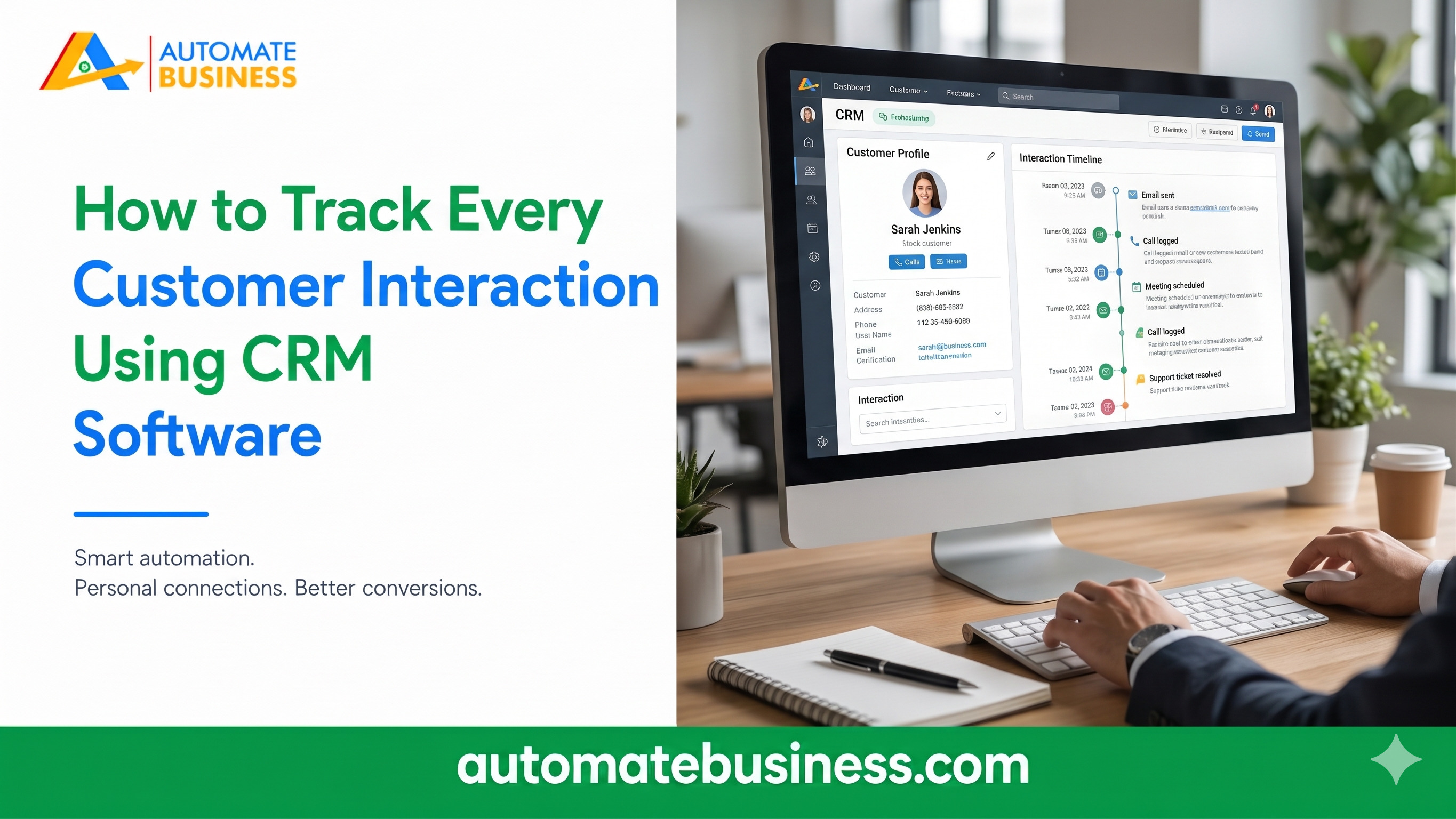
Step 1: Build One Complete Customer Record Start by giving every customer a single home. In Automate CRM software, you manage leads, contacts, companies and products together. You can add custom fields, tags and owners so each record fits your business. Notes, messages and follow-ups stay with each enquiry. Your team can switch between list and Kanban views, depending on how they like to work. The lead timeline then shows notes, attachments, tasks and follow-up history in one place. This timeline is the backbone of customer history. A salesperson who joins mid-deal can read it and carry on without asking the customer to start over.
Step 2: Capture Every Source Automatically Interactions start the moment an enquiry arrives. If you copy leads by hand, you lose time and sometimes the lead itself. Automate CRM software brings enquiries into your pipeline automatically. On the Growth AI plan, you can connect India MART and Facebook Lead Forms and choose the destination pipeline. Scale Max adds Trade India, API access and outbound webhooks. You can also import existing leads, contacts and products from CSV with field mapping and a preview. Every plan includes data export, so your records always stay yours. Capturing the source also lets you compare which channels bring the best customers.
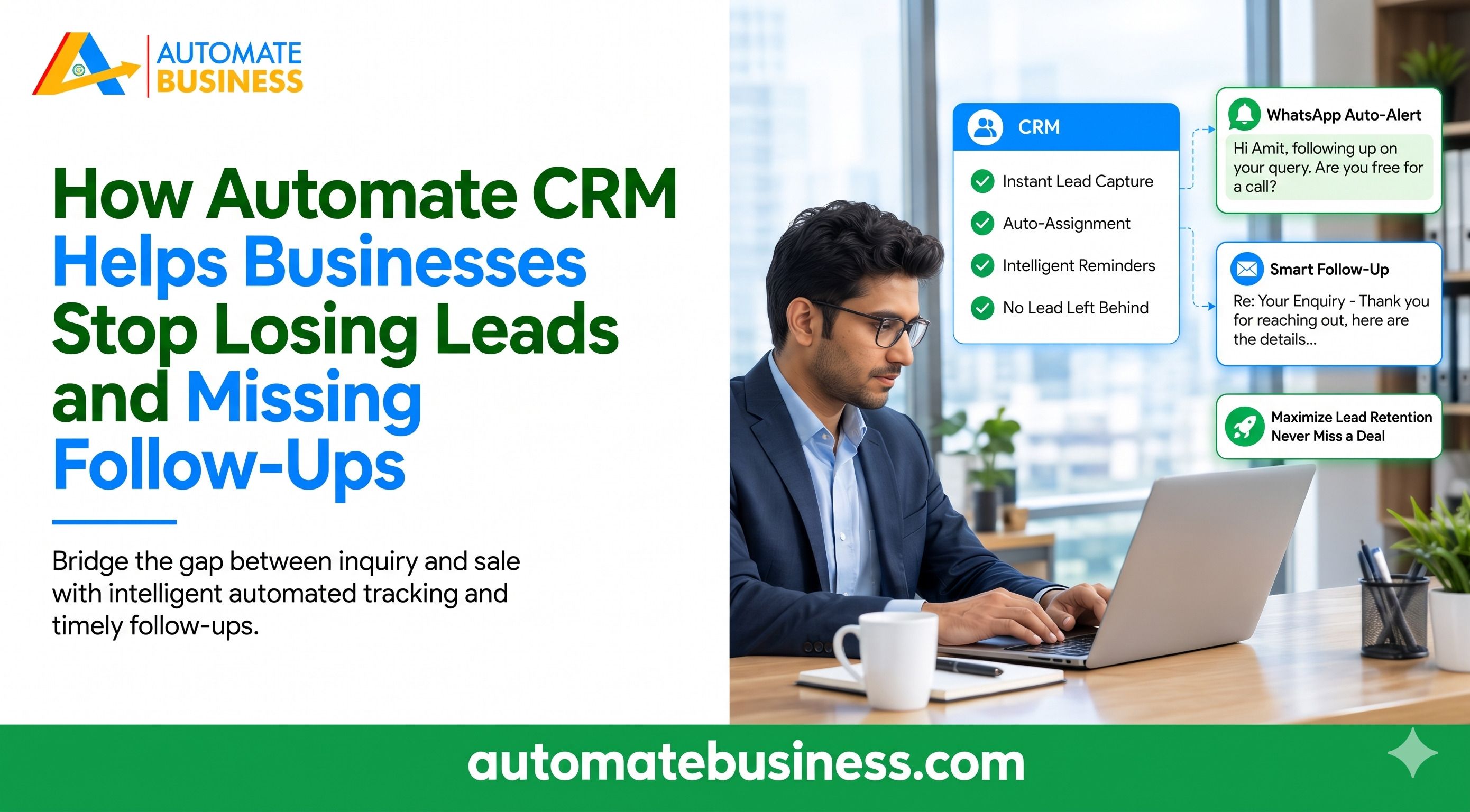
Step 3: Log Follow-Ups So Nothing Slips Follow-ups are where most customer relationships are won or lost. If a promised callback never happens, the deal often goes cold. Automate CRM software lets you schedule follow-ups against each lead and filter them by due date. Reminders tell your team what to do today. A lead marked “Follow up today” or “Next action scheduled” is easy to spot on the pipeline board. Managers can see the same view without asking for updates. Field teams can update leads, follow-ups, notes and next actions from mobile. That means conversations are recorded right after they happen, not at the end of the day from memory.
Step 4: Automate the Next Step After Each Interaction Tracking is useful, but acting on it is better. On Growth AI and Scale Max, stage changes can trigger lead follow-up automation. A lead moving to a new stage can create tasks, schedule follow-ups, or send WhatsApp and email templates. Messaging requires a configured provider. You can connect WhatsApp Business or Automate Chats for WhatsApp, and Gmail, Outlook, Zoho Mail or SMTP for email. Growth AI and Scale Max also support Google Calendar for calendar-linked follow-up workflows. Scale Max adds connected calling through Exotel and Voxbay, along with call logs. Available call details depend on the configured provider. This brings phone conversations into the same customer record.
Step 5: Record Quotations, Payments and AI Summaries A customer interaction does not end at the pitch. Quotations and payments are part of the story too. On Growth AI and Scale Max, you can prepare quotations with products, charges and payment terms and export them as PDFs. You can also create Razorpay payment links and track collections through your configured account. A confirmed payment can move the lead to Won automatically. Your record then shows the whole path from enquiry to revenue. Growth AI also includes an AI sales assistant that can summarize lead activity and draft emails. For example, it can note that a buyer wants bulk pricing and suggest sending the quote today. AI access depends on permissions, credits and provider setup.
Get Manager Visibility and Control Access
Once interactions are recorded, reporting becomes simple. Owners and sales managers can review pipeline value, follow-ups and collections by owner, pipeline and date. No one has to chase updates in chat groups. Access control matters as your team grows. Starter includes basic roles and permissions, while Growth AI and Scale Max add advanced permissions. Scale Max also adds custom reports. This keeps sensitive records visible only to the right people. It suits branch-led teams and multi-product businesses that do not want every record open to everyone.
Automate CRM software Pricing at a Glance
Automate CRM software uses fixed workspace pricing with unlimited users. Adding salespeople does not raise your bill. The plans are:
Starter from $50/month, billed yearly at $599, with 3 pipelines, 5,000 leads and contacts, and 500 companies.
Growth AI from $119/month, with 10 pipelines, 100,000 leads and contacts, quotations, automation, AI, and India MART and Facebook integrations.
Scale Max from $203/month, with 100 pipelines, 1,000,000 leads and contacts, Trade India, API access, webhooks, calling and custom reports.
Enterprise arranged with sales for larger needs
Prices exclude GST, and 18% GST applies to India (INR) prices. AI credits and connected services such as WhatsApp, calling and payment providers may cost extra. New workspaces get a 7-day free trial without a credit card.
Final Thoughts
Tracking every customer interaction is the foundation of consistent follow-up and better closing. Automate CRM Software keeps notes, messages, follow-ups, quotations and payments on one timeline. That gives your whole team the same context. Start by importing your current leads and connecting one source. You can also book a demo to map your pipelines, follow-up workflows and team permissions.
Frequently Asked Questions
How do I track every customer interaction using CRM software? Store each customer’s notes, messages, follow-ups, quotes and payments on one record. In Automate CRM software, the lead timeline keeps all of this together.
What is a lead timeline in a CRM? It is a single view of a customer’s history. Automate CRM’s software timeline shows notes, attachments, tasks and follow-up history.
Can Automate CRM software track phone calls? Yes, on Scale Max. It supports Exotel and Voxbay calling with call logs, depending on your provider setup.
Does Automate CRM software charge per user? No. Every plan has a fixed workspace price with unlimited users.