There's no shortage of CRMs in the market. There's also no shortage of MSMEs that bought one, used it for three months, and quietly went back to Excel and WhatsApp. That's usually not a "CRM problem"—it's a "wrong CRM for this business" problem.
Most CRMs are designed for large sales teams with dedicated IT support, long onboarding cycles, and international payment and communication habits. An MSME in India—a manufacturer, trader, distributor, or service business—needs something built around how deals actually happen here: on WhatsApp, through IndiaMART enquiries, over phone calls, and with a small team wearing multiple hats.
That's where Automate Chats complements your CRM. Instead of managing customer conversations across multiple personal WhatsApp numbers, it centralizes WhatsApp communication, captures enquiries, automates responses, and ensures every customer interaction is recorded. When integrated with a CRM, conversations, leads, and follow-ups stay connected in one workflow, reducing manual effort and improving response times.
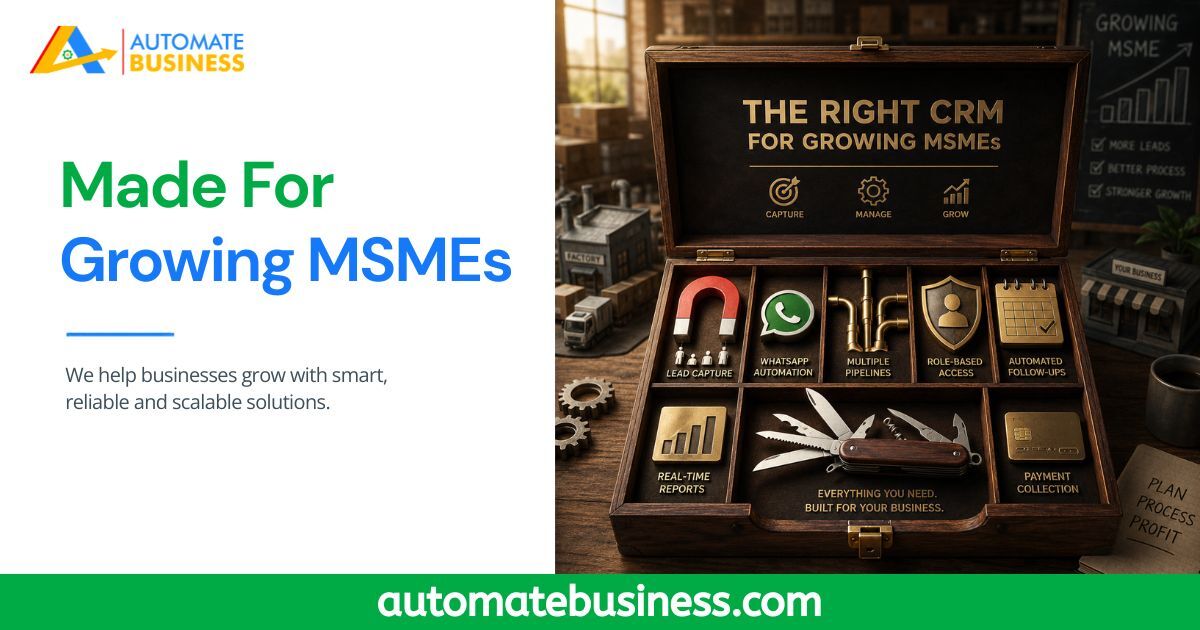
An MSME doesn't need enterprise complexity. It needs a solution where Automate CRM manages the sales pipeline while Automate Chats keeps customer conversations organized and responsive. Together, they create a system built around the way Indian MSMEs actually sell—helping teams respond faster, follow up consistently, and close more deals without switching between multiple tools. Here's a practical checklist of what an MSME CRM should actually have, and why each feature matters.
Multi-Channel Lead Capture — Especially IndiaMART and TradeIndia For most Indian MSMEs, leads don't come from a single "contact us" form. They come from IndiaMART, TradeIndia, Facebook ads, WhatsApp enquiries, referrals, and walk-ins — often all at once. A CRM that only supports basic website form capture forces your team to manually copy-paste leads from every other source, which is exactly the kind of manual step that causes leads to get lost or delayed. What to look for: Native integration with India-specific B2B marketplaces, not just generic form/API support. Automate CRM connects directly with IndiaMART, TradeIndia, Facebook Lead Ads, website forms, and webhooks/REST APIs, so every enquiry lands in the pipeline automatically, tagged by source, without manual entry.
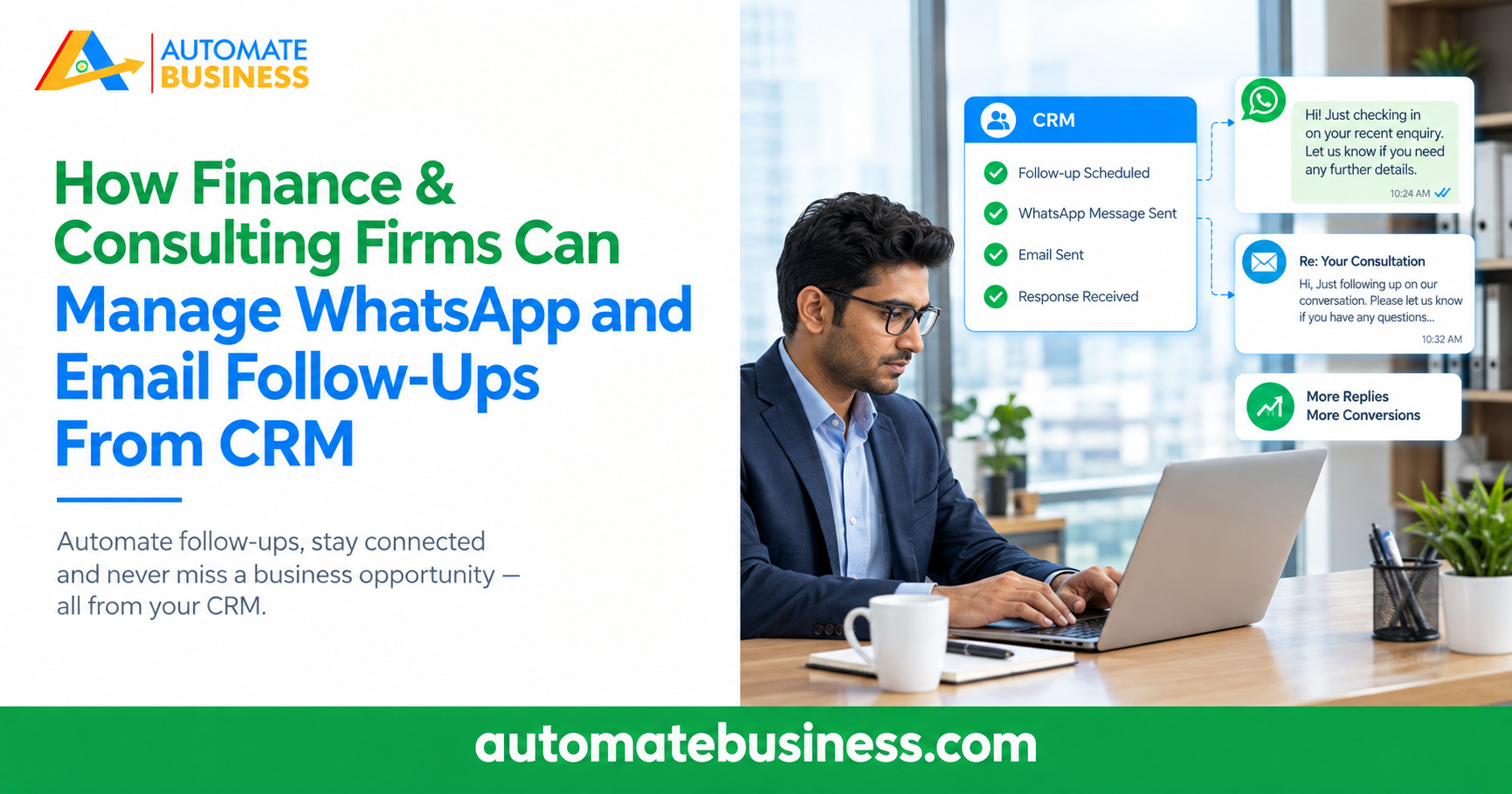
WhatsApp-Native Communication, Not a Bolt-On Feature In India, WhatsApp is often the primary sales channel — quotations, follow-ups, and even payment confirmations happen there. A CRM that treats WhatsApp as an afterthought, or requires a separate third-party tool just to send a message, adds friction exactly where speed matters most. What to look for: Direct WhatsApp Business API integration using your own number, with the ability to trigger messages automatically based on lead stage. Automate CRM supports WhatsApp-based automated follow-ups tied to your own WABA, so reminders and updates go out without anyone manually opening a chat.
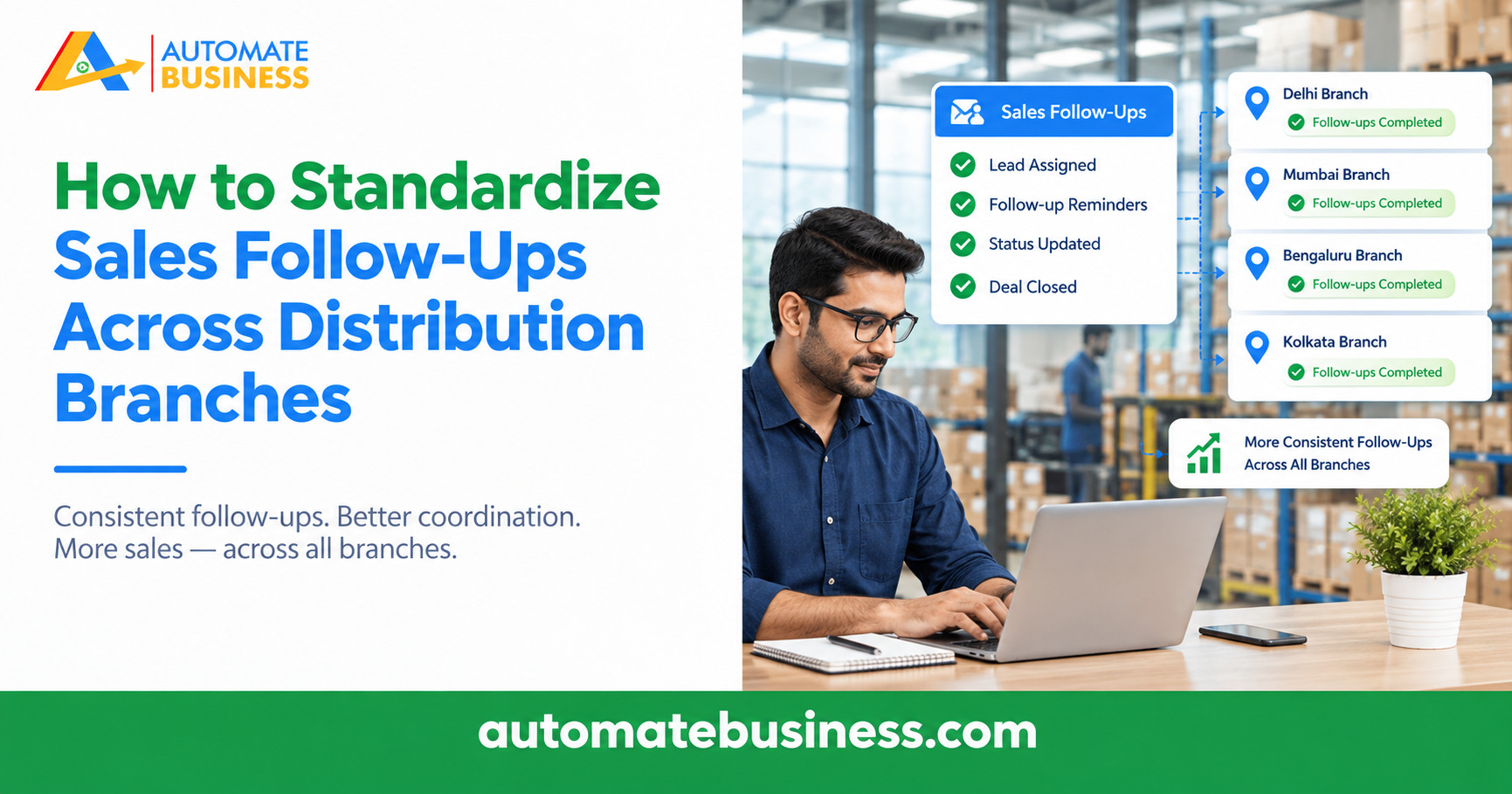
Multiple Pipelines With Custom Stages A distributor selling three product categories, or a business running separate teams across branches, shouldn't be forced into one rigid sales flow. When every lead — regardless of product or team goes through an identical pipeline, tracking becomes noisy and stage-wise reporting loses meaning. What to look for: The ability to create separate pipelines with fully custom stages for different products, teams, or branches, without losing centralized visibility. Automate CRM supports multiple pipelines with open/closed statuses and role-based access, so each team sees only what's relevant to them, while owners retain full visibility across all pipelines.
Automated Follow-Ups and Overdue Alerts Follow-up failure is the single biggest reason MSMEs lose otherwise winnable deals. A rep forgets to call back, a renewal date passes unnoticed, or a lead goes cold simply because nobody was reminded in time. This isn't a discipline issue — it's the absence of a system that reminds automatically. What to look for: Built-in scheduling for follow-ups with automatic overdue alerts, not just a manual "add reminder" button. Automate CRM lets teams set auto follow-ups that trigger WhatsApp or email templates automatically at the right stage, removing the dependency on memory entirely.
Role-Based Access Control As a team grows past a handful of people, giving every user full access to every lead becomes a liability — reps can see each other's deals, sensitive client data is exposed unnecessarily, and there's no clarity on who's accountable for what. Many CRMs either skip this entirely or make it a complicated enterprise-only setting. What to look for: Simple, granular role-based access that restricts visibility by team, pipeline, or role — without needing a dedicated IT admin to configure it. Automate CRM builds role-based access directly into pipeline and user management, so a sales rep sees only their assigned leads, while managers retain full oversight.
Reporting That Owners Can Actually Use Data is only useful if someone can act on it quickly. Many CRMs bury reporting behind complex filters or require exporting data elsewhere to make sense of it — which defeats the purpose for a small business owner who needs a quick answer, not a data project. What to look for: Dashboard-level reporting broken down by salesperson, source, stage, product, city, and state — viewable at a glance. Automate CRM's reporting is designed for owners and managers to check performance in minutes, without needing analyst-level skills.
Built-In Payment Collection A deal isn't really closed until payment is received — but most CRMs stop tracking the moment a lead moves to "Won," leaving invoicing and collection to happen manually, outside the system, over email or WhatsApp screenshots. What to look for: Native payment link generation tied directly to the lead record. Automate CRM integrates with Razorpay to generate and send payment links from within the CRM, keeping the full lead-to-cash journey traceable in one place.
Why Automate CRM Checks These Boxes Differently Than Generic CRMs Most CRM platforms were built first for international SaaS or enterprise sales teams, then adapted for the Indian market — which is why IndiaMART integration, WhatsApp automation, and MSME-friendly pricing often feel like afterthoughts rather than core features. Automate CRM was built the other way around, specifically for Indian MSMEs:
Direct IndiaMART and TradeIndia integration — not a workaround import process.
WhatsApp automation using your own business number — not a third-party add-on.
Multiple pipelines with role-based access — built for multi-product, multi-branch businesses from day one.
Razorpay-linked payment collection — closing a deal and collecting payment stay in one workflow.
Simple, owner-readable dashboards — no analyst required to interpret the data.
Businesses already using Automate CRM report saving over 2 hours a day on manual admin, with 12,000+ MSMEs across 35+ industries using it to track sales, run follow-ups, and close deals from one system instead of five. Choosing the Right CRM Starts With the Right Checklist The CRM that works for a global enterprise sales team isn't automatically the right fit for an Indian MSME. Before choosing one, check it against this list: multi-channel lead capture, WhatsApp-native automation, flexible pipelines, follow-up automation, role-based access, actionable reporting, and built-in payment collection.
Book anAutomate CRMdemo and see how many of these boxes it checks for your business.