
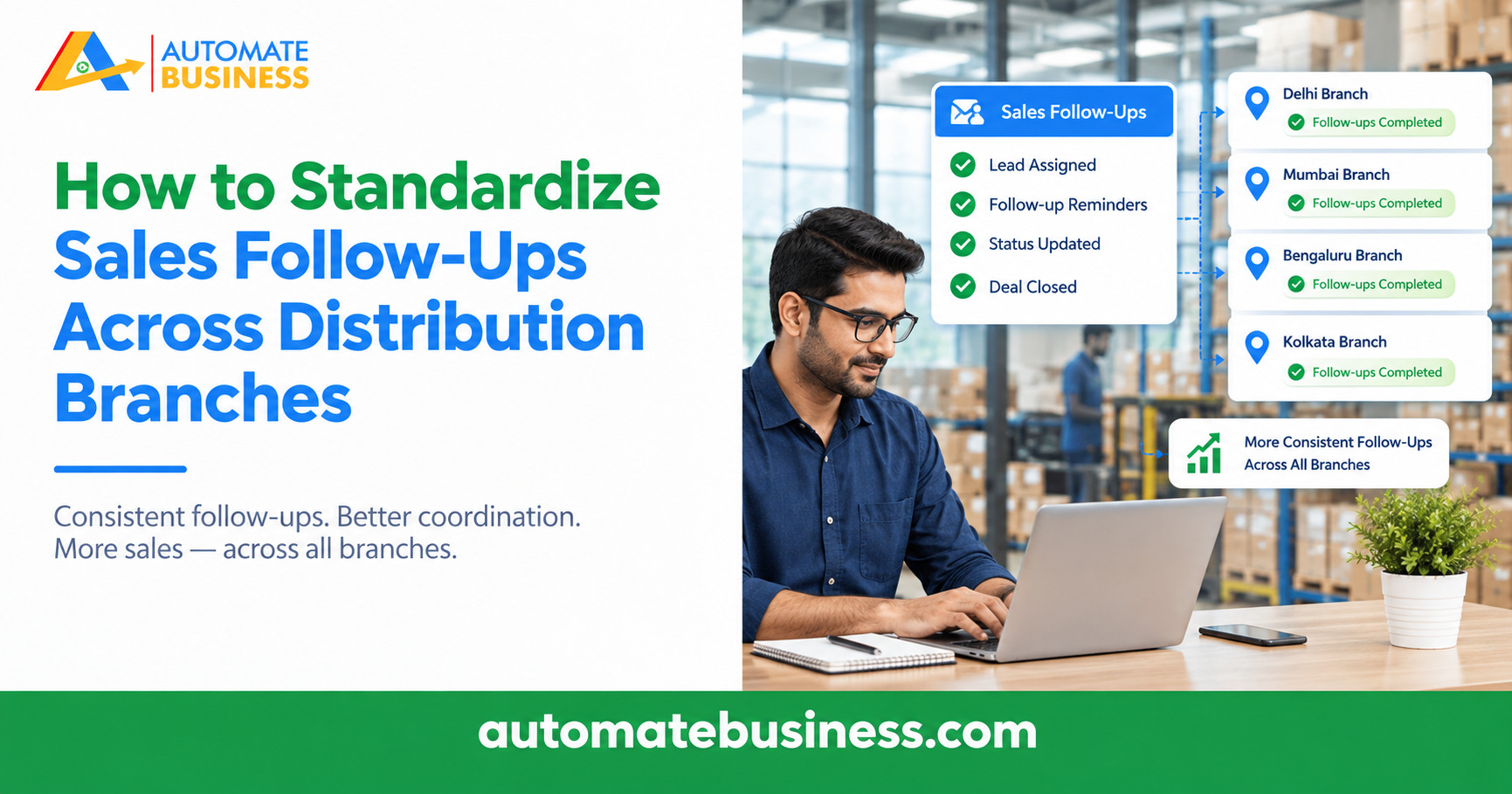
How to Standardize Sales Follow-Ups Across Distribution Branches
Standardize sales follow-ups across distribution branches with one CRM, unlimited users, and automated reminders—so no lead gets missed.
Join the 1 Day Live Hackathon


If your business generates leads from IndiaMART, you know the drill: log into IndiaMART, check for new leads, copy-paste contact details into a spreadsheet, then manually assign them to your sales team. This process wastes 10+ hours per week for the average sales team — and leads go cold while you are doing data entry.
Automate Business CRM connects directly to IndiaMART via their Pull API. Here is how it works:
No manual data entry. No missed leads. No stale follow-ups.
Once leads enter your CRM pipeline, automation takes over:
Our customers report:
Setting up IndiaMART integration with Automate CRM takes less than 5 minutes. Join our free Business Automation Masterclass and see the difference automation makes.
Get more insights every week. Join Kewal's free WhatsApp community for live sessions and automation tips.
Join 12,000+ MSMEs who automated their business. Join the 2 day live hackathon today.